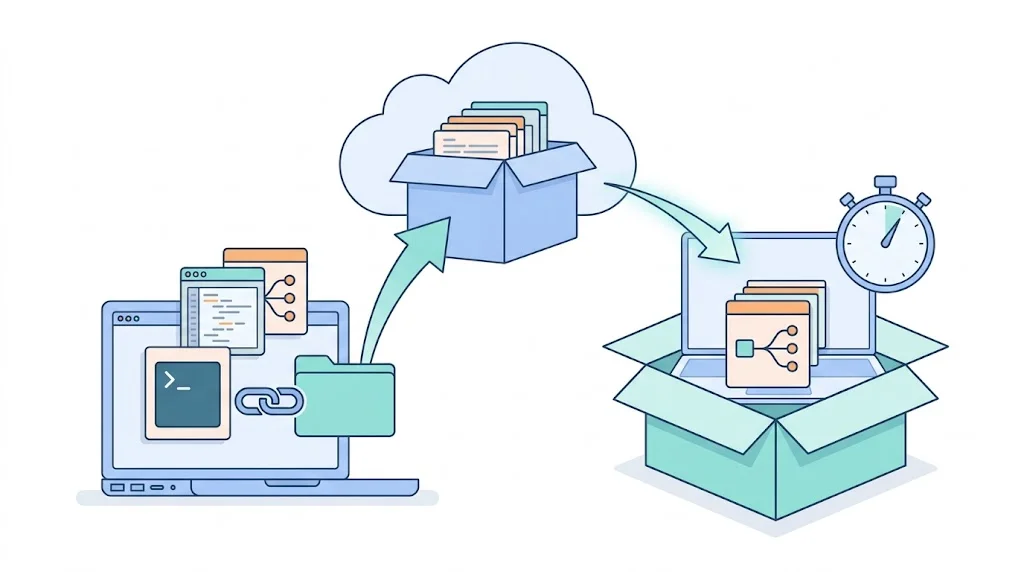
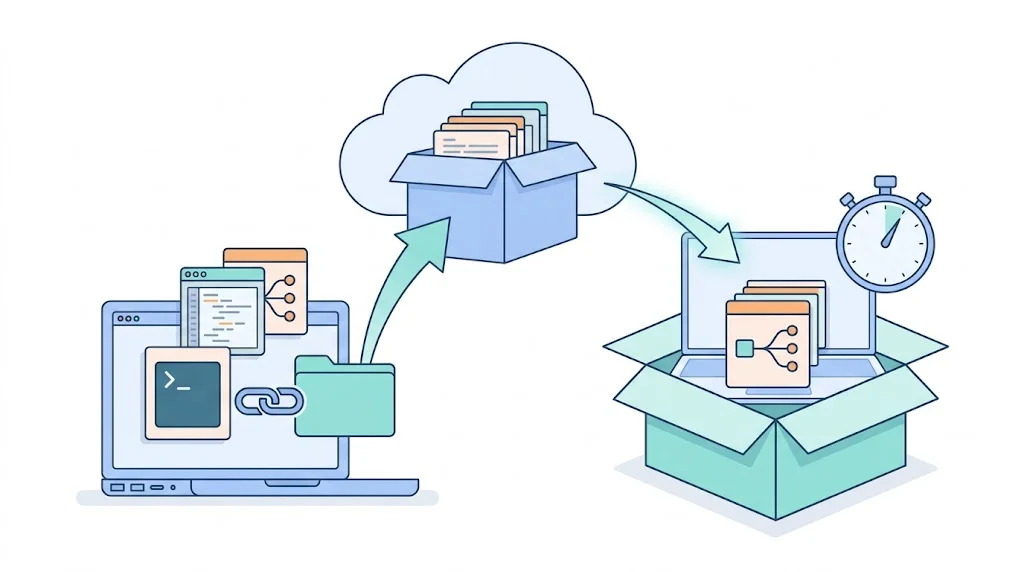
為什麼需要 Dotfiles 管理
「Dotfiles」是 home 目錄下的隱藏設定檔——.zshrc、.gitconfig、.vimrc、.tmux.conf 等等。這些檔案是你的工作環境的核心。
沒有管理的話:
- 換機器或重裝系統,這些設定全部消失
- 在多台機器之間保持同步靠記憶(然後兩台機器的設定開始分歧)
- 遇到問題想回滾,沒有版本歷史
三種方案
方案一:bare git repo(最輕量)
把 home 目錄本身當成 git repo,但用 --bare 模式避免 git status 到處顯示所有未追蹤檔案:
# 初始化
git init --bare $HOME/.dotfiles
alias config='git --git-dir=$HOME/.dotfiles/ --work-tree=$HOME'
config config --local status.showUntrackedFiles no

# 加入檔案
config add ~/.zshrc ~/.gitconfig ~/.vimrc
config commit -m "init dotfiles"
config remote add origin https://github.com/you/dotfiles
config push -u origin main

# 新機器還原
git clone --bare https://github.com/you/dotfiles $HOME/.dotfiles
alias config='git --git-dir=$HOME/.dotfiles/ --work-tree=$HOME'
config checkout優點:不需要任何額外工具,純 git。缺點:沒有模板支援,sensitive 資料(API key)要另外處理。
方案二:chezmoi(推薦)
chezmoi 是目前最成熟的 dotfiles 管理工具,支援:
- Template:不同機器用不同值(家用 vs 公司的 email)
- Secret 整合:1Password、Bitwarden、pass 等 password manager 整合,private key 不進 repo
- Script:
run_once_*.sh在新機器第一次 apply 時自動執行(裝套件、設定 macOS 等)
# 安裝
brew install chezmoi

# 初始化(建立 ~/.local/share/chezmoi)
chezmoi init

# 加入檔案
chezmoi add ~/.zshrc
chezmoi add ~/.gitconfig

# 這些檔案被 copy 到 ~/.local/share/chezmoi/dot_zshrc 等

# 推送
cd ~/.local/share/chezmoi
git remote add origin https://github.com/you/dotfiles
git push -u origin main

# 新機器一行還原
chezmoi init --apply https://github.com/you/dotfiles
Template 範例(不同機器不同 git email):
# ~/.local/share/chezmoi/dot_gitconfig.tmpl
[user]
    name = Terry Yao
    email = {{ if .work }}work@company.com{{ else }}personal@gmail.com{{ end }}
方案三:yadm
yadm 是 bare git repo 的封裝,語法比 alias 版更友善,也支援模板和加密。適合偏好 git-first 操作風格的人。
Sensitive vs Portable 的分離
不要把 secret 放進 dotfiles repo(即使是 private repo):
- API key(
OPENAI_API_KEY=...) - SSH private key
- 公司的任何憑證
處理方式:
- Secret 用 chezmoi 的 password manager 整合,在 template 裡讀取,不存 repo
- 或:用
.zshrc.localpattern——.zshrc版控,.zshrc.local不版控,在.zshrc結尾加source ~/.zshrc.local 2>/dev/null
# .zshrc(版控)
# ... 所有一般設定 ...
[[ -f ~/.zshrc.local ]] && source ~/.zshrc.local

# .zshrc.local(不版控,每台機器各自有)
export OPENAI_API_KEY="sk-..."
export AWS_PROFILE="personal"
新機器 Setup Script
用 chezmoi 的 run_once_ scripts,自動執行一次性初始化:
# ~/.local/share/chezmoi/run_once_install-packages.sh
#!/bin/bash

# Homebrew
if ! command -v brew &>/dev/null; then
    /bin/bash -c "$(curl -fsSL https://raw.githubusercontent.com/Homebrew/install/HEAD/install.sh)"
fi

brew install git neovim tmux fzf ripgrep gh

# Node.js
brew install nvm
第一次 chezmoi apply 時自動執行,之後不再執行(除非 script 內容改了)。
接下來往哪走
- Shell 環境配置(上):模組化 Zsh 與 Alias 哲學 — dotfiles 管的大宗就是這些 shell 設定
- 2026 Mac 開發環境完整配置:從語言到工具一次搞定 — 新機器要還原的完整清單長什麼樣
- Windows + WSL2 開發環境:非 Mac 用戶的完整設定 — Windows 側的對應做法